Week 11: From telling to showing
Complete homepage rebuild: animated hero with scan line, 4-step product carousel, 6 feature cards with motion, 4 live customer cards, engine flow always visible. The site went from explaining the product to being the product.
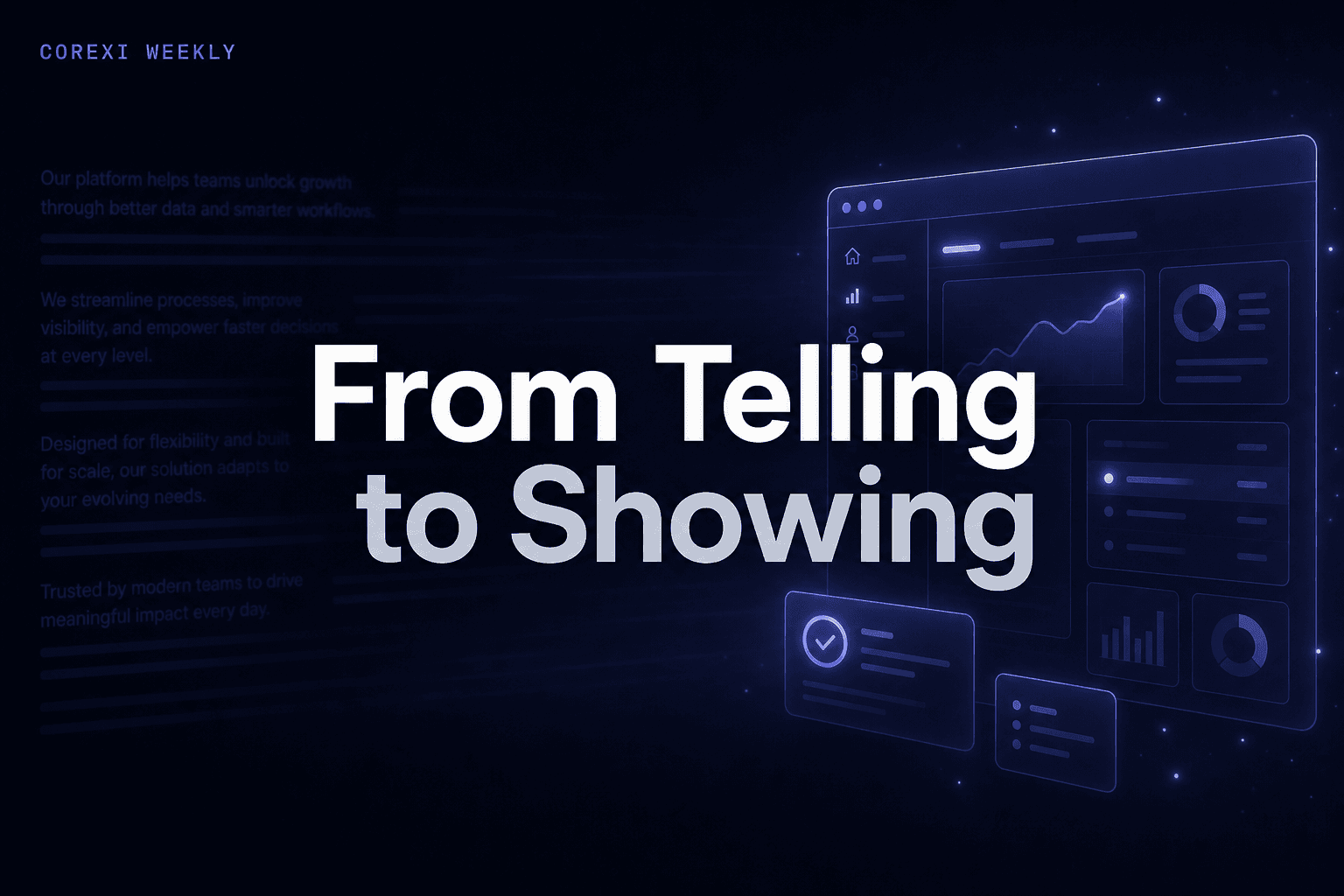
The old homepage described what Corexi does. Paragraphs, bullet points, static screenshots. Someone reading it would understand. Someone scrolling would leave. This week we tore it down and rebuilt it around a single principle: show it working.
Show it working
The old homepage told you what Corexi does. The new one shows it happening. A homepage that says "we scan your product" without showing a scan running is asking visitors to imagine the product. That's too much to ask. People don't imagine products. They see them or they leave.
The new hero runs a live scan animation inside device frames — desktop browser and mobile — with a scan line sweeping down the page, issue markers appearing in real-time, and floating analysis badges (visual hierarchy, contrast, touch targets) popping up as the scan progresses. Connected data sources show at the bottom: GA4, Corexi Snippet, Clarity.
Below that, the "Introducing Corexi" section is a 4-step auto-playing carousel: Scan, Score, Fix, Monitor. Each step has its own animated visual. The Score step shows an actual screenshot from our report dashboard. The Fix step shows a code snippet landing in Cursor IDE with a success confirmation. The Monitor step shows a live trend chart with score improvement over time.
A visitor who watches this section for 20 seconds understands the entire product loop. No reading required.
Six reasons, not a paragraph
The old feature section was three text-heavy blocks that all looked the same. We replaced them with six cards, each with a lightweight animation that triggers on scroll:
Multi-source Fusion — data source chips floating and converging. Fix-Ready Code — a terminal typing out a code snippet. Neurodiversity Lens — accessibility spectrum visualization. Prediction Engine — a trend line drawing itself. Competitive Benchmark — comparison bars animating in. Continuous Monitor — a pulse animation with a live status dot.
Each card is minimal: a title, one sentence, and an animation. The motion does the explaining. Hover pauses, reduced-motion respects prefers-reduced-motion. The six cards sit in a 2x3 grid with a single left-aligned title above — no eyebrow, no centered subtitle. The section feels lighter than what came before because the content is denser.
Real customers, real production
The case study section expanded from one card to four: Electrip (iOS, EV charging, 7 EU markets), FlowQi (web CRM), Creatr (AI app builder, backed by Accel), and Beaver (DIY marketplace, Barcelona). Each card has a logo, tagline, headline, description, stats, and a link to the live product.
The social proof band above switched from placeholder text to actual customer logos. Four logos, grayscale, hover to color. Simple, but it's the difference between "trusted by teams" and showing who those teams are.
These are real products running Corexi in production. Not pilot customers. Not "coming soon." Live, shipping, monitored continuously.
The engine shows itself
The engine section had a problem: everything was hidden behind a "See how the engine works" toggle. Curious visitors clicked it. Everyone else scrolled past the most important part of the product.
Now the engine flow diagram is always visible. Production and Dev-time tabs at the top. Below: Visual Scan and Behavioral Signals flowing into the Corexi Engine, which emits Fix-Ready Code and a Live Report Dashboard. Animated flow connectors show data moving. The full "Works with" strip shows connected analytics and IDE integrations.
The 4-layer deep dive (Visual AI, Behavioral Analytics, Pulse UX Engine, Fix-Ready Code) still exists, but behind its own "Explore the engine layers" toggle. The principle: show the big picture to everyone, let the curious go deeper. Information layering, not information hiding.
The momentum continues
Every day this week had new brand onboarding calls. The user base keeps growing. And now, the homepage does what we used to do in demo calls: it shows the product running, explains the loop, names the customers, and displays the engine. A homepage that sells is a homepage that shows.
Week 12 starts tomorrow.
Enjoyed this? Get the weekly build log in your inbox.